The Best Prompts for AI Product Images (And Why Most Don't Work)
Most AI product image prompts fail in the same way: they describe the product instead of directing the ad. Here's the prompt structure that consistently produces ad-quality output, and why the work disappears when the platform handles it for you.
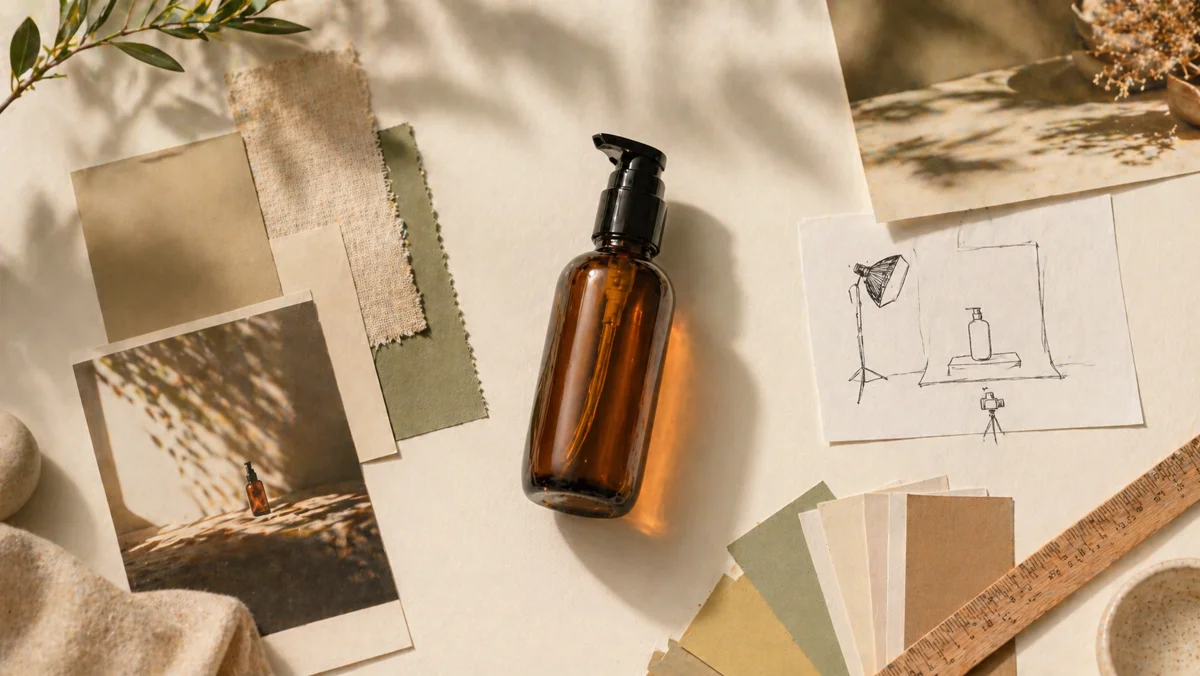
Most AI product images that disappoint don't fail because of the model. They fail because of the prompt. The buyer types something like "product on a marble table, professional lighting" and gets back exactly what they asked for: a product on a marble table, lit professionally, and entirely forgettable.
The gap between an amateur prompt and a commercial-quality prompt isn't word count. It's structure. Commercial art directors don't describe what they want, they specify the variables that determine what the image will be: concept, scene, composition, lighting, and mood. Get those five right and almost any modern AI model produces ad-ready output. Miss any of them and the result drifts toward the model's average, which is generic by definition.
Here's the prompt structure that consistently works for product photography, the mistakes that quietly produce mediocre output, and why most users shouldn't have to learn any of this.
What an ad-quality prompt actually contains
A prompt that produces commercial-quality output specifies five things, in roughly this order. Drop any one and the model fills the gap with its default, which is usually the most generic possible interpretation.
1. Ad concept
What is this image for? A clean ecommerce hero, a paid social ad, a premium editorial campaign, a fresh lifestyle moment? The concept sets the tone for everything else. A prompt that doesn't name the concept produces an image with no commercial intent.
2. Scene
The environment, surface, and any specific cues that anchor the product in a context. Not just "on a table", but "on a polished walnut surface with a softly blurred living-room background". Specificity beats abstraction every time.
3. Composition
How the camera frames the product. Centered hero, three-quarter angle, off-center crop with negative space, tight detail. Composition is what separates a hero shot from a generic centered photo. Most amateur prompts skip this entirely.
4. Lighting
Light quality, direction, and source. "Soft directional key light from the left with controlled falloff" produces a different image than "natural window light" produces a different image than "crisp high-key studio light". The prompt has to commit to a lighting style or the model picks one for you.
5. Mood
The emotional register the image needs to carry. Premium and restrained, fresh and approachable, warm and lived-in, clinical and precise. Mood is the variable that ties the other four together into something that feels like a single deliberate image instead of a stack of competing instructions.
Test: read your prompt out loud as if you're briefing a photographer. If they could shoot it without asking follow-up questions, it's a good prompt. If they'd need to clarify even one of the five variables, the model will guess, and the guess is rarely what you wanted.
Prompt formulas that consistently produce ad-quality output
These are the prompt patterns that most reliably produce commercial-grade product images. Each one specifies all five variables in two to three sentences.
Clean ecommerce hero
"Clean commercial hero image for a product page or paid social launch visual. Bright white seamless studio set with a subtle grounded shadow and no decorative clutter. Centered, confident product-forward framing with enough negative space to feel designed rather than empty. Crisp high-key studio light, clear edges, trustworthy ecommerce polish."
Premium editorial campaign
"Premium editorial hero advertisement with a refined campaign feel. Warm charcoal or deep walnut studio environment with subtle surface texture and restrained luxury cues. Strong centered or slightly low-angle product presence with controlled negative space and a polished hero silhouette. Directional key light, soft falloff, rich contrast while keeping every product edge readable; avoid pure black voids."
Fresh lifestyle ad
"Fresh lifestyle advertisement showing the product as part of an aspirational everyday moment. Modern bright apartment setting with light oak, warm neutrals, and a softly suggested living space. Product-led lifestyle framing, slight angle, shallow depth, a small amount of contextual environment visible without stealing focus. Natural window light, warm approachable tone, clean social-ad usability."
💡 Pro tip
Notice what these prompts don't do: they don't describe the product itself. The model already has the product image. The prompt's job is to direct the scene around it. Describing the product again confuses the model and often distorts the result.
The prompt mistakes that produce mediocre images
Most underperforming AI product images come from a small set of recurring prompt mistakes. Fixing any one of them produces a measurable jump in output quality.
- Describing the product instead of the scene: the model already sees the product, repeating its details introduces noise and often distorts shape or color
- Vague aesthetic words: "beautiful", "professional", "high quality" carry no specific direction, the model averages them into generic output
- Missing the concept: prompts that describe a setting without naming what the image is FOR (hero, ad, editorial) lack commercial intent
- Overloaded prompts: trying to specify ten visual elements competes for the model's attention and produces cluttered or inconsistent results
- Forgetting lighting: a prompt without a lighting direction defaults to flat ambient light, which is the single most amateur-looking choice the model can make
- No composition cue: prompts that don't specify framing produce centered eye-level shots that look identical to every competitor
If your AI product images look generic, the fastest fix isn't switching models. It's adding a concept, a composition cue, and a specific lighting direction to your existing prompts. That alone closes most of the quality gap.
Why prompt engineering is the wrong job for most users
All of the above is learnable. None of it should be your job. If you're running an ecommerce brand, a Shopify store, or an Amazon catalog, learning to write commercial art-director briefs is a detour from the actual work, which is selling more product.
The reason most AI photography tools produce mediocre results is that they treat prompting as the user's problem. They give you a text box, hand you the model, and let you discover, slowly and expensively, that the difference between a $4 generation and an actually-usable image is twenty hours of prompt iteration.
StudioMint was designed to remove that work. The platform doesn't ask you to write art-director briefs. It builds them for you, from the product image you upload, before you ever see a prompt.
How StudioMint builds the prompt for you
When you upload a product photo, several things happen in the background before any image gets generated. Together they replace the prompt-writing work most other platforms hand to the user.
Image analysis extracts what the product actually is
An analysis model inspects the upload and extracts structured information: product category, form factor, materials, dominant colors, vibe, label density, physical scale, and background quality. This becomes the foundation for every downstream decision: which scenes fit the product, which framing makes sense, and which generation model produces the best result for this specific image.
Curated scene direction replaces vague aesthetics
Rather than leaving the scene to a free-form text prompt, StudioMint uses a set of art-director-grade scene presets, each one written by hand to specify concept, scene, composition, lighting, and mood for a specific commercial use case. Clean ecommerce hero, premium editorial, warm lifestyle, minimal tabletop, bathroom shelf for beauty, coffee table for home goods. Each preset is a complete commercial brief, not a label.
Prompt enhancement turns short ideas into briefs
When you do want to direct the scene yourself, you don't need to write the full art-director brief. Type a short idea, "a candle on a stone shelf with morning light", and the platform expands it into a structured commercial prompt with the missing variables filled in: composition, lighting quality, mood, and commercial framing. The output is the kind of prompt a senior art director would write, generated from a one-sentence idea.
Variation directives produce real ad sets
Each generation runs across multiple composition variants automatically: a confident hero frame, a campaign-angle three-quarter shot, an editorial off-axis crop. You get a coherent set of ad-ready images from a single upload, instead of three near-identical takes of the same composition.
Built for product detail and packaging fidelity
StudioMint runs every generation through an engine tuned specifically for product photography. It preserves printed labels, brand text, packaging details, and product proportions accurately while building rich commercial scenes around the product, so you don't have to trade scene quality for product fidelity.
The result: you upload a photo, pick a scene direction or describe one in a sentence, and the platform writes the commercial-quality prompt, runs the generation, and delivers an ad-ready set. The prompting craft that used to take hours of trial and error happens in the background, in seconds.
When you should still write your own prompt
Custom prompts are still useful for specific cases: a campaign with a very particular concept that doesn't match any preset, a brand that has a distinctive visual style requiring exact direction, or a creative team that already writes in art-director language and wants to specify every variable.
For those cases, the same five-variable structure applies: concept, scene, composition, lighting, mood. But for everyday product photography, listings, ads, social content, the platform's built-in direction usually outperforms a hand-written prompt, simply because the presets and prompt-enhancement system have been tuned across thousands of generations against real commercial standards.
💡 Pro tip
If you're writing your own prompt, start from one of the platform's preset structures rather than from scratch. The presets are battle-tested commercial briefs. Modify them for your specific concept instead of reinventing the framework each time.
Common questions about photography
Skip the prompt engineering. Get the result.
Upload a product photo. We analyze it, build the prompt for you, and generate ad-ready images in under 60 seconds. No prompt craft required.
Keep reading
April 29, 2026
Background Removal for Product Photos: When It Works, When It Doesn't
Background removal is the most common edit in ecommerce, and the one most often done badly. Here's when it actually works, where it falls apart, and how to get a clean cutout that doesn't undermine your listing.
Read guide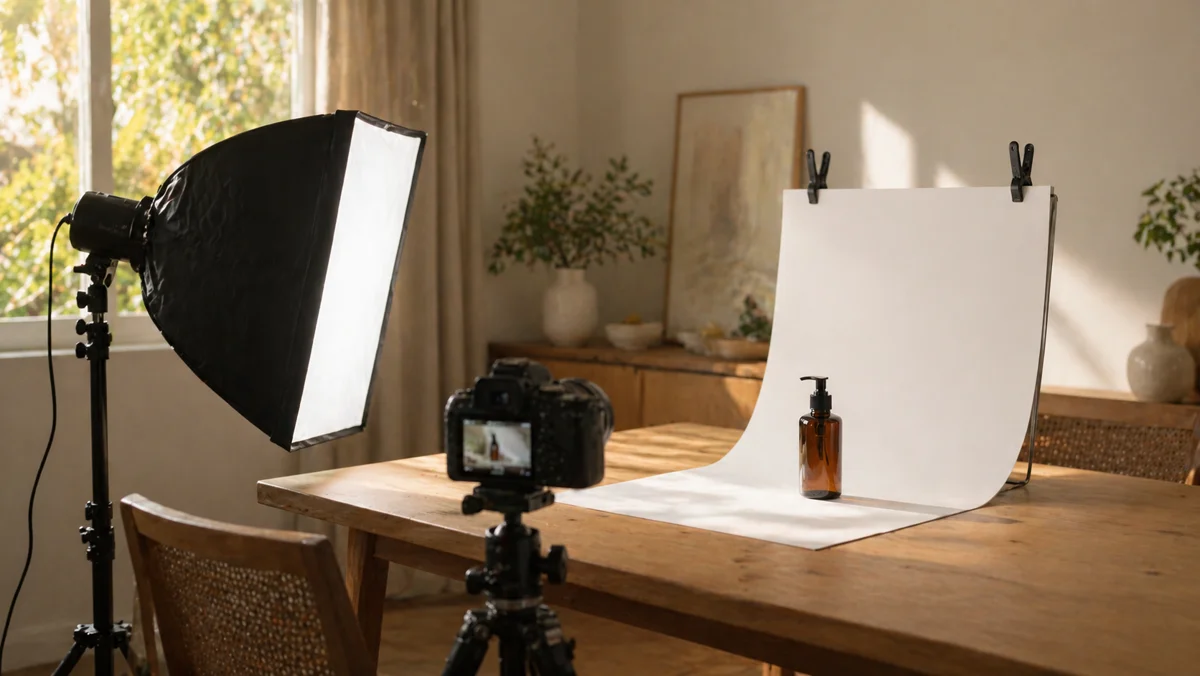
April 24, 2026
How to Set Up a Product Photography Studio at Home
A home studio for product photography doesn't require a spare room or expensive gear. It requires a repeatable setup. Here's how to build one that produces professional, consistent results across every product you shoot.
Read guide