How to Get Studio-Quality Product Photos Without a Studio
Most sellers think better images require better equipment. They don't. Here's what actually determines whether a product photo sells, and how to get there without renting a studio.
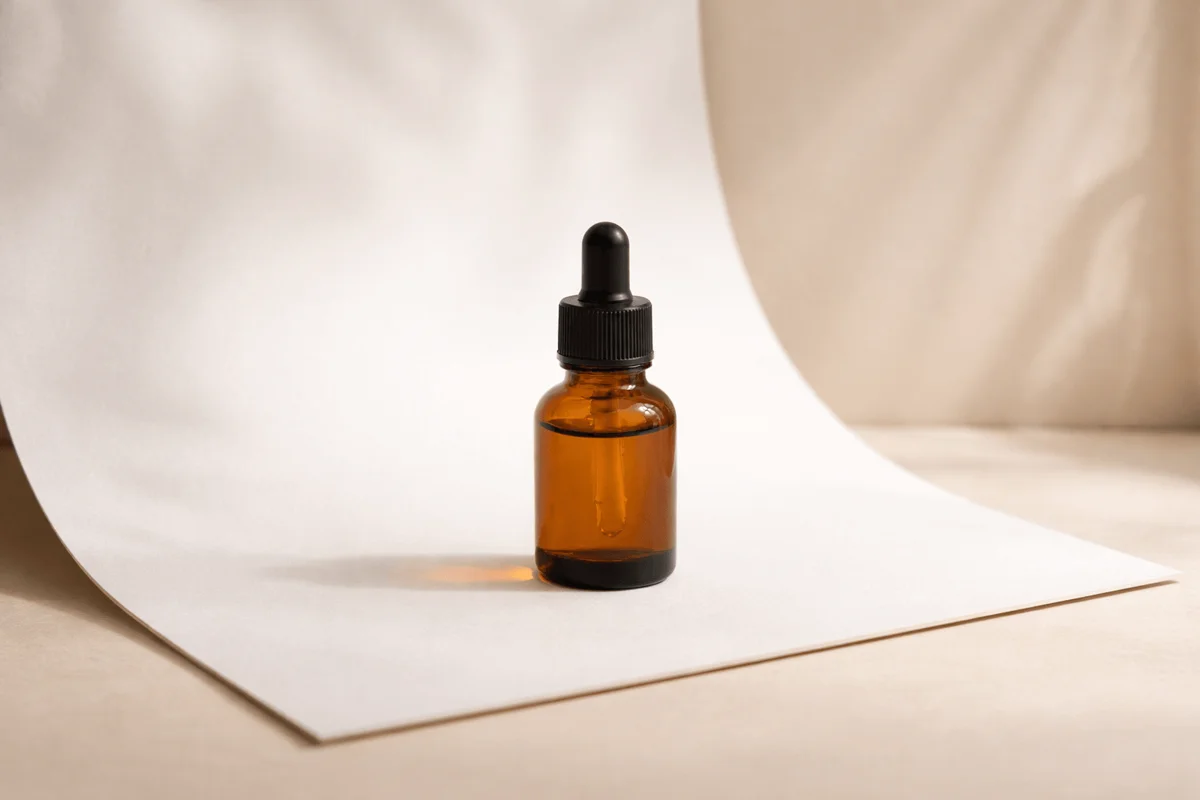
The camera isn't the problem. Neither is the lighting kit you don't own, or the studio you can't afford. The real reason most product photos underperform is simpler and harder to fix: they're inconsistent.
Two products photographed in different sessions, different lighting, different angles. The catalog looks like it came from three different brands. Buyers notice this, not consciously, but they feel it. And when something feels off, trust breaks.
Here's what actually separates product images that sell from ones that don't, and how to get there without renting a studio.
What actually matters in a product photo
Three variables determine whether a product photo works: background, light, and angle. Master those three consistently and you'll outperform brands spending thousands per shoot.
- Background: removes visual noise so the product is the only focal point
- Lighting: makes edges, textures, and colors read accurately and appealingly
- Angle: shows the product at its most recognizable and flattering position
Professional studios exist to control all three simultaneously and repeatably across every shoot. That repeatability is the real value, not the gear. You can replicate it without a studio. You just do it differently.
A $40 foam board and a north-facing window have launched brands that look like they spent thousands on photography. The setup matters less than the consistency of the setup.
Getting a clean background without a studio
The cleanest backgrounds come from one of two approaches: shooting against a controlled physical surface, or replacing the background afterward.
For physical setups, a large sheet of white poster board or foam core taped to a wall and curved down to a table creates a sweep, eliminating the line where wall meets table. The result is the seamless white look you see on professional product listings. Cost: under $5. Effective for: almost everything.
Natural surfaces, matte wood, clean linen, stone, add texture and context without competing with the product. The key word is matte. Glossy surfaces pick up reflections from your light source and create hot spots that are nearly impossible to edit out.
💡 Pro tip
Before your shoot, wipe down every surface with a slightly damp cloth. Dust and fingerprints become visible under product lighting even when invisible to the naked eye, and they're time-consuming to remove in post.
AI-generated scenes let you skip the physical setup entirely. Upload your product on any decent background and place it in a professional environment in seconds, consistent across every product in your catalog.
Lighting on a budget
Natural light from a north-facing window is the most underrated lighting setup available. It's diffuse, directional, and free. But the specific conditions matter more than most guides acknowledge.
- Shoot on overcast days, thick cloud cover diffuses sunlight into a giant, even softbox with no harsh shadows
- Position your product side-on to the window, not facing it directly, side lighting reveals texture and depth
- Place a white foam board on the opposite side to bounce light back and fill shadows without flattening the image
- Turn off all room lights, fluorescent and LED room lighting mixed with natural light creates color casts that are difficult to correct
💡 Pro tip
Shoot all your products in a single dedicated session using the same setup, same window, same time of day, same distances. Lighting consistency across SKUs matters more than perfect lighting on any single product.
For evening shoots or products that need artificial light, two softboxes at 45 degrees on either side of the product (classic butterfly lighting) is the standard for a reason. It's even, controllable, and works for almost every product category.
The real cost of doing this manually at scale
One product, one session, manageable. Ten products, monthly launches, seasonal refreshes, multiple marketplaces each requiring different image formats, the math breaks down fast.
A single studio session for a small catalog typically runs $300–800 and produces images for 4–6 products. Add lifestyle shots, and the cost doubles. Then a new product launches, one image needs a retake, and you're back to scheduling and waiting.
The inconsistency this produces is the real damage. Product A was shot in March with warm light. Product B in September with a different photographer. They look like they're from different brands, because effectively, they are.
💡 Pro tip
If you're reshooting any product more than once per year, the process is broken. Either standardize your DIY setup so anyone on your team can reproduce it exactly, or move to generated images where the output is consistent by default.
When AI-generated scenes outperform real photography
There's a class of images that's genuinely difficult to produce in a physical shoot: a skincare product on a marble shelf in soft morning light, a supplement bottle in a clean gym setting, a candle on an autumn kitchen table. These require location, props, coordination, and often model fees.
AI-generated scenes render these environments from scratch around your product. Upload your product photo, even a basic one, and the AI places it into a contextually appropriate scene with consistent lighting, accurate shadows, and correct perspective. It doesn't look composited. It looks like the product was always there.
For most ecommerce use cases, store listings, paid ads, social content, the output is more than sufficient. The speed difference is significant: a session that would take half a day to plan and execute takes under two minutes.
The best AI-generated images come from clean source photos. A well-lit product on a simple background gives the AI the most to work with, which is also the easiest shot to capture yourself.
Common questions about photography
Keep reading
April 29, 2026
Background Removal for Product Photos: When It Works, When It Doesn't
Background removal is the most common edit in ecommerce, and the one most often done badly. Here's when it actually works, where it falls apart, and how to get a clean cutout that doesn't undermine your listing.
Read guide
April 27, 2026
The Best Prompts for AI Product Images (And Why Most Don't Work)
Most AI product image prompts fail in the same way: they describe the product instead of directing the ad. Here's the prompt structure that consistently produces ad-quality output, and why the work disappears when the platform handles it for you.
Read guide