How to Create a Consistent Brand Look Across All Your Product Images
Inconsistent product images are one of the most common reasons a store doesn't feel like a brand. Here's how to build a visual system that scales without a studio budget.
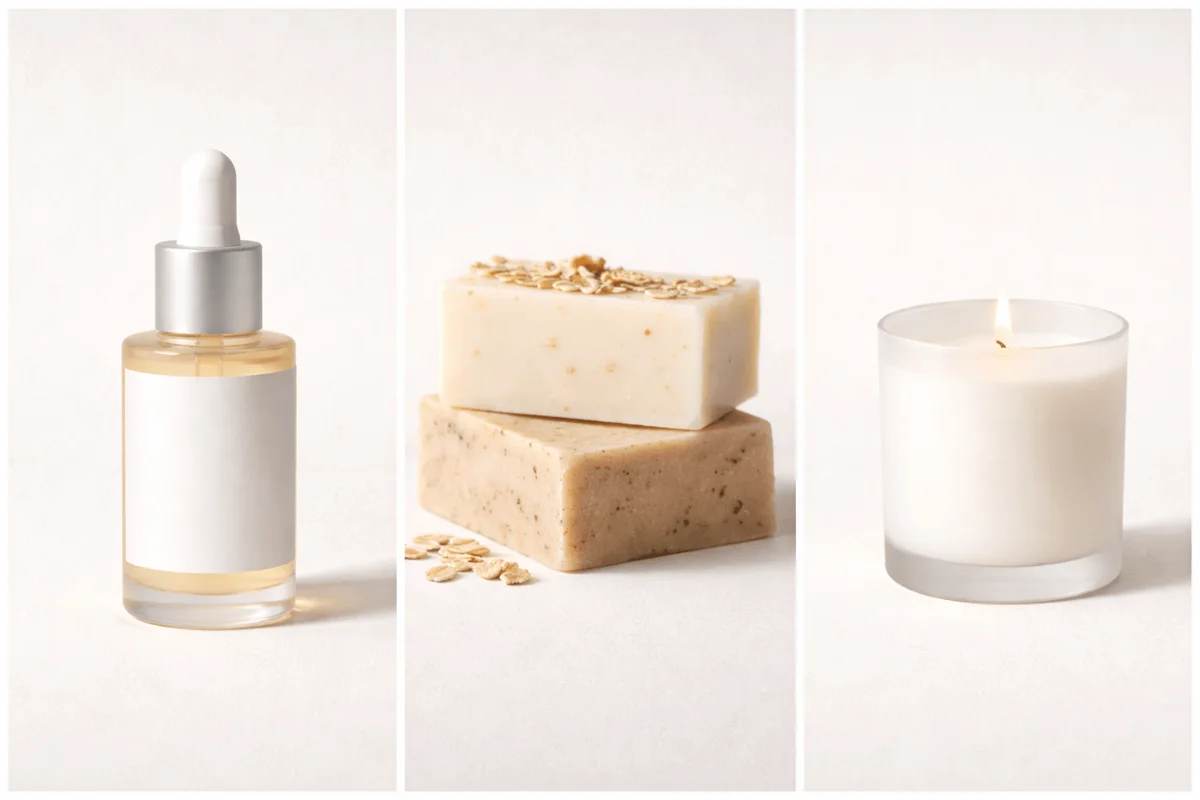
Most ecommerce stores don't fail because of bad products. They fail because their presentation doesn't build trust fast enough. And nothing erodes trust faster than a catalog that looks like it was assembled from three different photoshoots by three different people over two years, which is exactly what most growing stores look like.
A consistent visual look isn't a design preference. It's a business decision. Buyers who click from product to product and see a coherent visual world form a stronger impression of the brand than those who encounter visual noise. The difference shows up in repeat purchase rates, in ad performance, and in the kind of trust that converts a browser into a buyer.
The good news: visual consistency doesn't require a studio or a dedicated photographer. It requires a system, a small set of rules, followed reliably.
Why inconsistency compounds over time
The damage from visual inconsistency isn't linear. Each new product added with a slightly different background, different lighting temperature, or different camera distance adds to the cumulative fragmentation of the catalog.
A brand that launches 12 products per year without a visual system ends up, within two years, with a catalog that looks like a flea market. No single product is necessarily badly photographed, but together they communicate disorder, which buyers interpret as unreliability.
The early products are the most important to get right, because they establish the visual baseline that every subsequent product is measured against. Changing the system midway through a catalog means either reshooting early products or living with the visual break, neither is free.
💡 Pro tip
Before your next product launch, audit your five most-visited product pages side by side. If someone who has never seen your brand looked at those five pages together, would they conclude they came from the same company? If not, you have a consistency problem that's already affecting conversion.
The three variables that define your visual system
Consistent brand imagery comes down to controlling three variables: background, lighting, and camera position. Every other element, props, styling, color grading, is secondary. Get these three right and the rest follows.
- Background: one primary surface (white sweep, warm wood, linen, marble) used consistently as the foundation for every studio shot
- Lighting: one consistent setup with light source size, position, and color temperature kept identical across every shoot
- Camera position: height, distance, and angle locked down and marked so they're reproducible by anyone
Write these three rules down. A single-page style reference that any team member can follow makes consistency independent of who's behind the camera. This is the document most brands don't create, and the absence of it is why catalogs drift.
💡 Pro tip
Photograph a reference object (a coffee cup, a book, anything with known dimensions) in your standard setup and keep that image as your calibration baseline. Before every new shoot, recreate the reference shot and compare it. If it matches, your setup is consistent. If it doesn't, find what changed before shooting product.
Consistent editing is as important as consistent shooting
Two products shot under identical conditions can still look different if edited differently. White balance adjusted to warm on one image and cool on another. Exposure bumped more on one product than another. A Lightroom preset applied inconsistently. The cumulative effect is the same as shooting inconsistently, a catalog that doesn't cohere.
The fix: create a single editing preset or set of fixed export settings and apply it without deviation. Not 'roughly the same', exactly the same. The white balance value, the exposure adjustment, the contrast settings should be identical across every image in the catalog.
For brands using AI-generated images: the advantage is that lighting and background are consistent by design, the same scene style applied to every product produces a uniform look without any post-processing. This is one of the most significant practical benefits of generated images for growing catalogs.
Standardize image formats and crops
Inconsistent aspect ratios are surprisingly visible on store product grids and listing pages. A 1:1 image next to a 4:3 next to a 3:4 creates a grid that looks broken, which reflects on the brand even though it's purely a formatting issue.
Pick one aspect ratio for each image type and enforce it. Most ecommerce platforms are built around 1:1 square crops for catalog grids, with 4:3 or 16:9 for lifestyle images in detail pages. Pick your ratio, export every image at that ratio, and never deviate.
- Hero/studio images: 1:1 square (compatible with all major platforms)
- Lifestyle images: 4:3 or 16:9 depending on platform norms
- Detail/close-up shots: match your hero ratio for visual consistency on the listing page
Common questions about photography
Keep reading
March 10, 2026
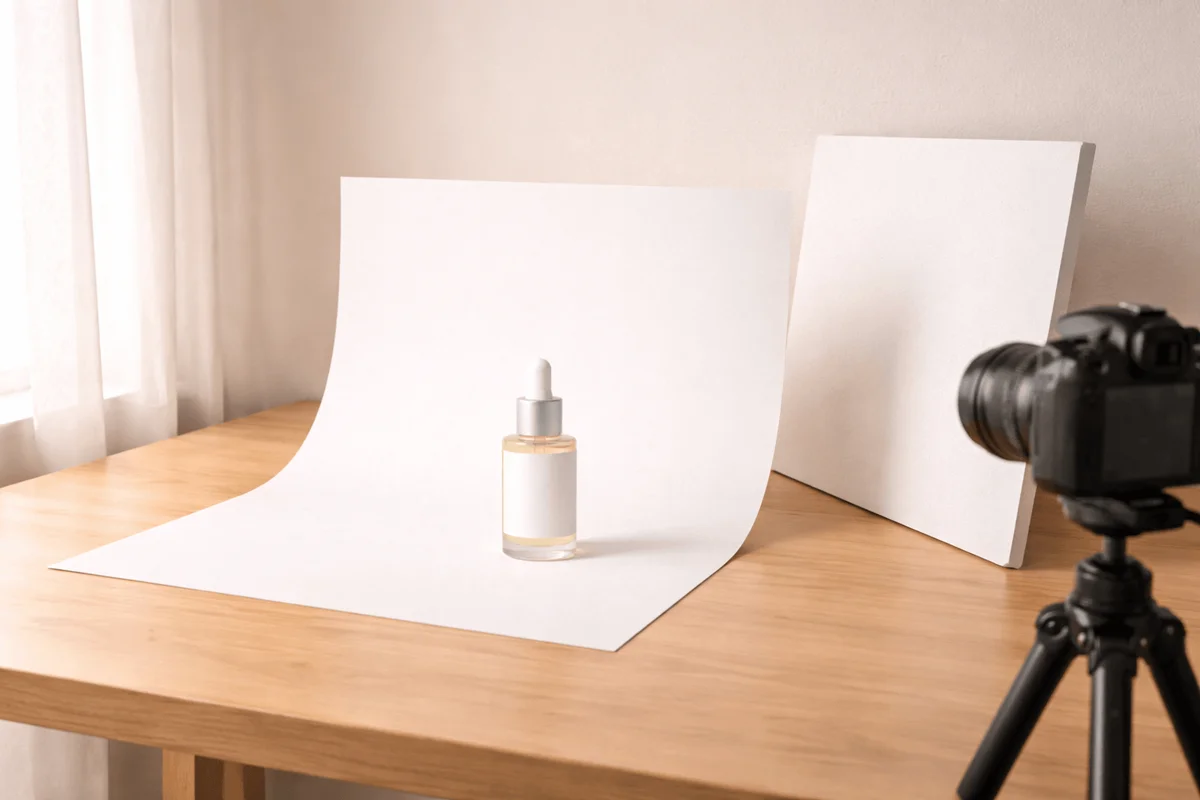
How to Build a DIY Product Photography Setup at Home
A home photography setup that produces consistent, catalog-quality images doesn't require expensive gear. It requires a repeatable system. Here's how to build one.
Read guide
March 6, 2026
The Best Product Photography Styles for Ecommerce (And When to Use Each)
Photography style is a conversion decision, not an aesthetic one. The same product photographed in four different styles will perform differently on every platform. Here's how to choose.
Read guide