How to Build a DIY Product Photography Setup at Home
A home photography setup that produces consistent, catalog-quality images doesn't require expensive gear. It requires a repeatable system. Here's how to build one.
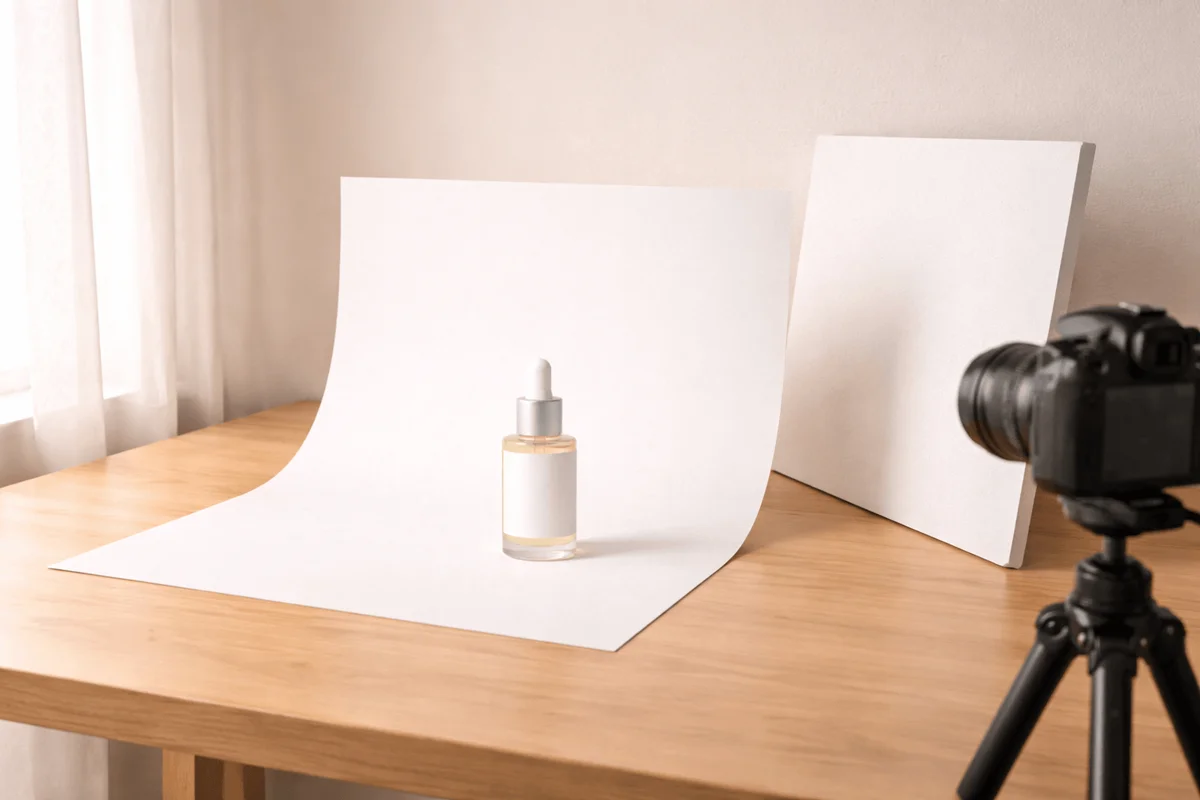
The most common mistake sellers make when setting up DIY product photography isn't choosing the wrong camera or the wrong light. It's building a setup they can't reproduce.
You shoot your first product, it looks great. Then you shoot the next one two weeks later in the same spot, but the window light is different, the distance is slightly off, the angle is a degree or two higher. The individual images are fine. Together, they look like they came from two different brands.
A good DIY setup solves the consistency problem first. Quality follows from that. Here's how to build a setup that you, or anyone on your team, can reproduce exactly, every time.
What you actually need (and what you don't)
The internet will tell you that you need a lightbox kit, a ring light, a DSLR, and a backdrop stand. You don't. The variables that determine image quality are light quality, background cleanliness, and camera stability. Expensive equipment improves all three, but so do cheap alternatives when used correctly.
- Background: white foam board ($3–5, any craft store) curved from a wall to a table creates a seamless sweep
- Light source: a large north-facing window on an overcast day, or a 60cm softbox for consistent artificial light
- Reflector: a second piece of white foam board positioned opposite the light source
- Camera stability: a basic tripod ($20–30) or a stable surface with a timer or remote shutter
- Camera: any modern smartphone, sensor quality is not the limiting factor for most ecommerce product shots
💡 Pro tip
The single highest-ROI purchase for DIY product photography is a tripod. Not a better camera, not a lighting kit, a tripod. Camera stability eliminates blur and, more importantly, allows you to lock your angle so every product is shot from exactly the same position.
Setting up for consistency, not just quality
Once your equipment is in place, the next step is to lock everything down so the setup is reproducible without guesswork.
- Mark your tripod legs with tape on the floor, exact position, not approximate
- Mark the product placement on your shooting surface, center point and rotation if relevant
- Set your camera to manual mode with fixed exposure settings rather than relying on auto
- Set white balance manually to a fixed value (5000K for neutral daylight or match your light source)
- Write down every setting: distance, height, angle, ISO, shutter speed, aperture, white balance
The written settings list is the most important output of your first shoot. It's what lets you or anyone else reproduce the setup six months later without trying to remember where things were.
Shoot a reference object, a coffee cup, a small book, in your locked setup and save that image. Before every future shoot, recreate the reference shot and compare. If it matches, your setup is consistent. If it doesn't, something moved and you can find it before wasting a shoot.
Light: the variable that matters most
Natural window light is the most accessible professional light source available. On an overcast day, a north-facing window produces soft, diffuse, directional light that rivals a studio softbox. The limitation is consistency: it changes by time of day, season, and weather.
If you shoot products regularly, invest in a single 60cm softbox on a stand. Set it at 45 degrees to one side of the product, at roughly the same height as the product or slightly above. Place a white foam board on the opposite side to bounce light back and fill shadows. This setup takes 10 minutes to configure and produces results that are consistent regardless of time, season, or weather.
- Turn off all room lights, mixing light sources causes color casts
- Position the softbox so shadows fall to the back and side, not toward the camera
- The foam board reflector should be close enough to visibly lift shadow areas, but not so close it appears in reflections
💡 Pro tip
Shoot all products in a single batch session when possible. If you're using window light, the difference between morning and afternoon light is significant enough to create visible inconsistency between sessions. Batch shooting in a 2-hour window produces more consistent results than spreading shoots across different days and times.
When a home setup hits its limits
A well-configured home setup can produce catalog-quality studio shots for almost any product. What it can't produce efficiently is lifestyle imagery, contextual scenes that place the product in kitchens, bathrooms, gym settings, outdoor environments. These require location access, props, staging time, and often coordination with photographers.
For most growing ecommerce brands, this is where the DIY model breaks down. The studio shots are manageable at home. The lifestyle images aren't, so they get skipped, and the catalog ends up with a white-background-only image set that leaves conversion potential unrealized on every channel where lifestyle images matter.
AI-generated scenes address this gap directly. A clean studio shot produced in your home setup becomes the source image for generated lifestyle scenes, a product placed in a kitchen counter, a bathroom shelf, a wooden desk, a gym environment. The studio shot you can produce at home generates the lifestyle images you can't. The two approaches complement each other in a way that makes a complete image set practical for every product.
Common questions about photography
Keep reading

March 6, 2026
The Best Product Photography Styles for Ecommerce (And When to Use Each)
Photography style is a conversion decision, not an aesthetic one. The same product photographed in four different styles will perform differently on every platform. Here's how to choose.
Read guide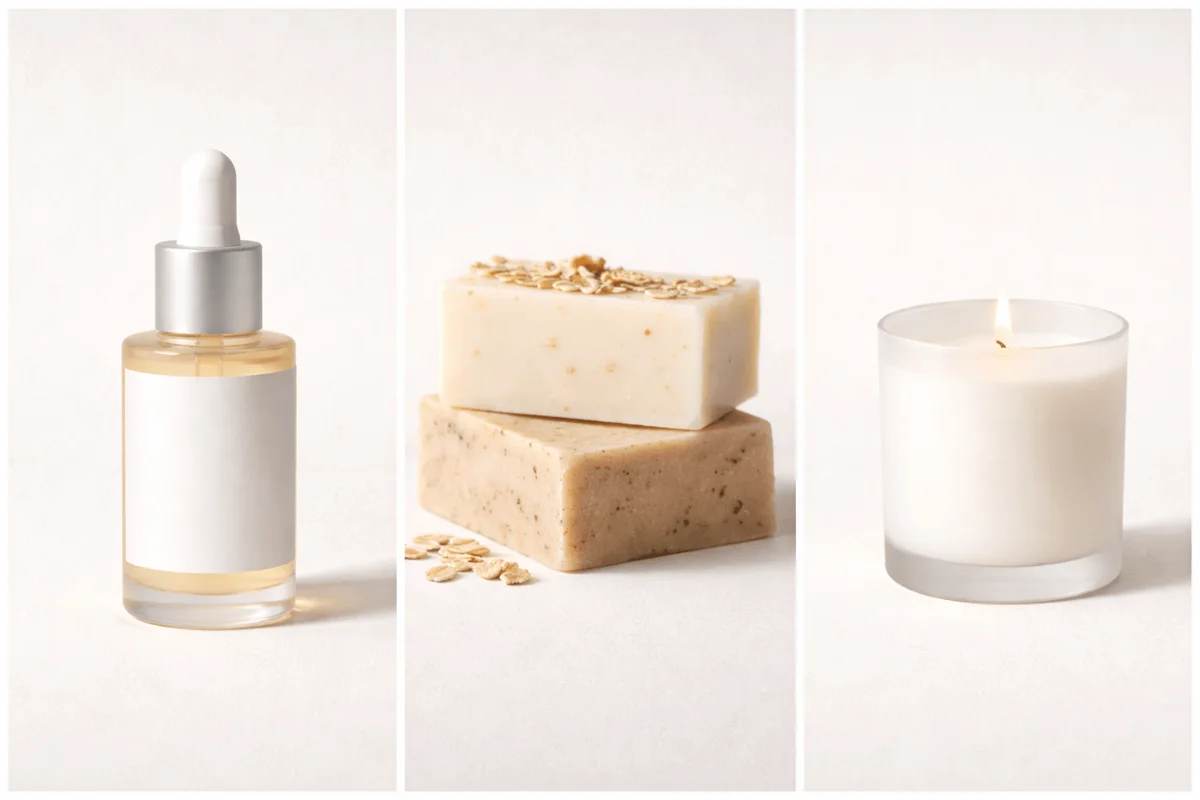
March 2, 2026
How to Create a Consistent Brand Look Across All Your Product Images
Inconsistent product images are one of the most common reasons a store doesn't feel like a brand. Here's how to build a visual system that scales without a studio budget.
Read guide